
For owner-operators
It's your truck.
It's your paper.
Fuel, maintenance, tolls, scale tickets, lumper fees, permits. Nobody reimburses you and nobody files it for you. Photograph each one and it is kept.
For owner-operators
Fuel, maintenance, tolls, scale tickets, lumper fees, permits. Nobody reimburses you and nobody files it for you. Photograph each one and it is kept.
What you're carrying
The biggest line on the settlement, and the fastest to fade
Shop invoices, roadside calls, the parts counter
Small each time, thousands across a year
Weigh slips on thermal paper, illegible by spring
Cash out of pocket, hardest of all to prove later
Oversize, trip, state — filed somewhere, findable never
Every one of those is money that already left your account. The only question is whether you can still show it eleven months from now.
What goes wrong
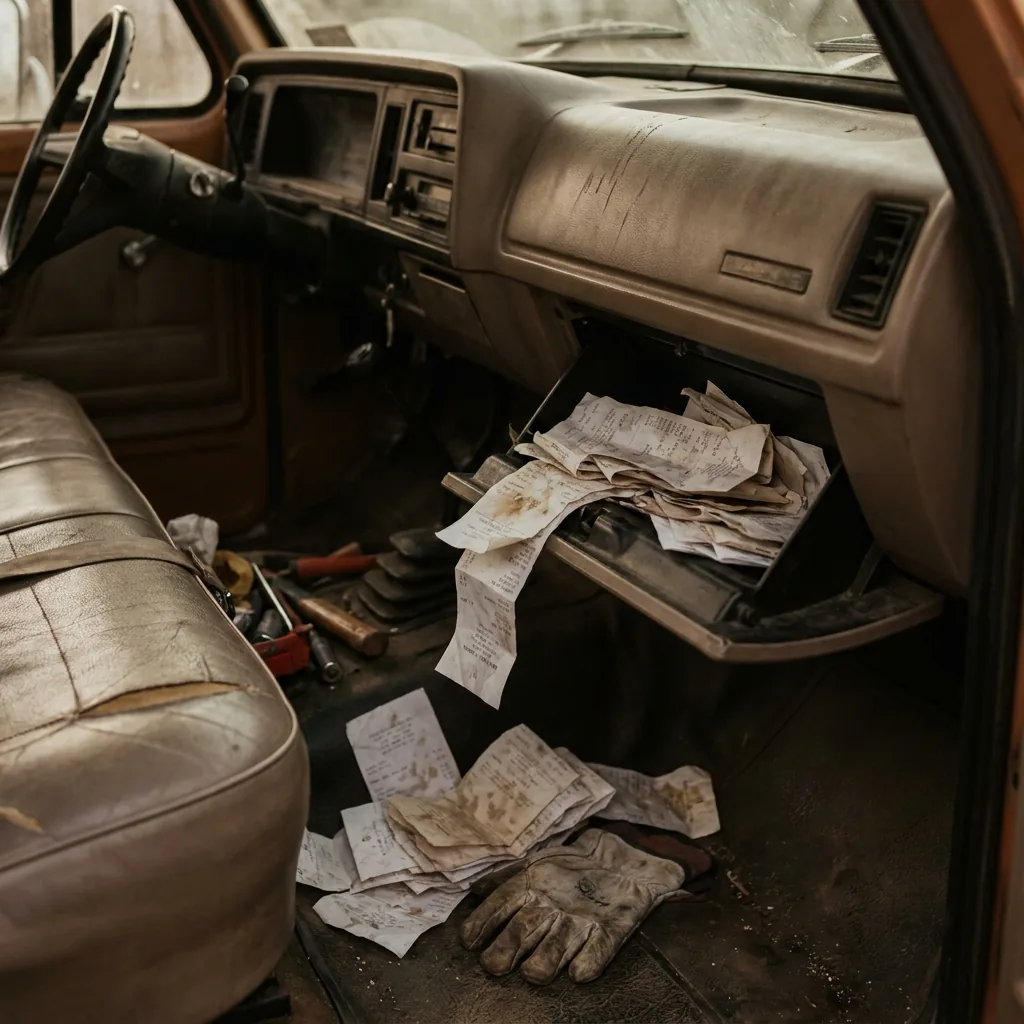
Run as a company driver and someone else keeps the records. Run your own authority and the entire paper trail is yours — every shop invoice, every scale ticket, every lumper receipt you paid in cash at a dock in the dark.
Most of it is thermal paper, which goes blank in a hot cab in a matter of weeks. A photograph taken the day you got it does not fade. That is the whole premise.
How it works
One hand at the fuel island or the shop counter. No typing.
Vendor, date, and total pulled off the paper automatically.
Filed and searchable under your own records, not a carrier’s.
Why a photo counts
You don't have to keep the paper. The IRS has accepted electronic records since 1997, as long as the copies meet a few basic conditions.
Source: IRS Rev. Proc. 97-22, Recordkeeping — Electronic Storage Systems. CabSnap is a recordkeeping tool, not a tax advisor.
Questions
Yes. Under Rev. Proc. 97-22 the IRS accepts electronic copies of paper records, provided the image is legible, matches the original, can be printed on request, and is stored securely. This is a recordkeeping answer, not tax advice — talk to your tax preparer about your own situation.
A settlement statement shows what the carrier deducted. It does not show what you paid out of pocket at a shop, a scale, or a dock. Those are the receipts that go missing, and they are the ones only you are holding.
Photograph the screen, or keep the email — either way the point is having one place where the record lives. CabSnap handles anything you can point a camera at, which covers the paper the shop hands you at the counter.
The photo is captured on your phone when you take it. Dead zones are exactly the situation this needs to survive, so if you hit a case where it does not behave, email admin@getcabsnap.com and tell us.
Not yet — CabSnap is Android only. An iPhone version is in development. There's no release date I can promise you yet. More on the iPhone version